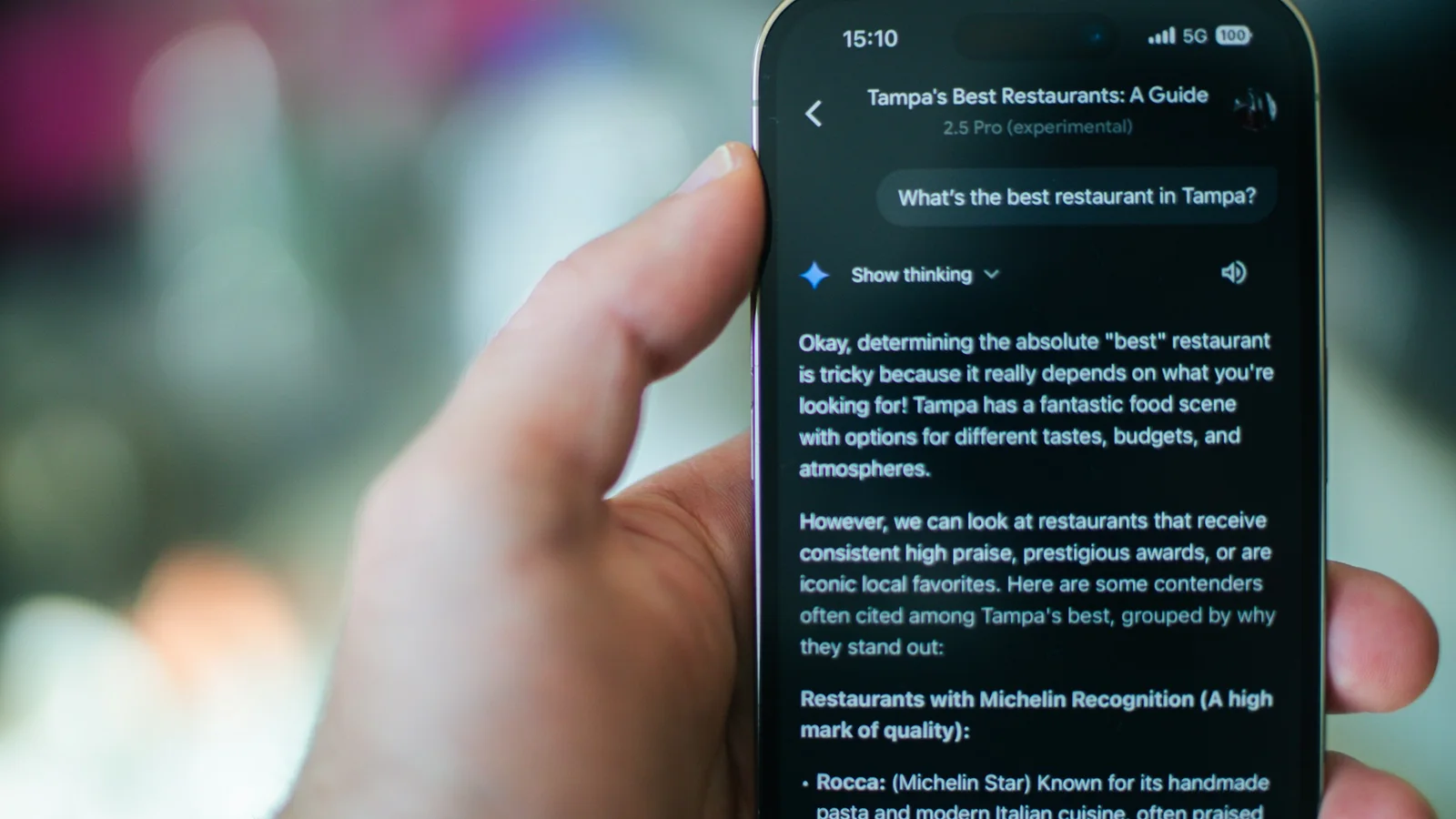
Gemini AEO is answer engine optimization for Google Gemini. It means making your business easy for Gemini to find, trust and cite when people ask for answers or recommendations. Google says there are no special tricks. Gemini, AI Overviews and AI Mode draw on indexed pages that can show in Search and clearly answer the question. Clear answers, consistent business details and a complete Google Business Profile do most of the work.
This guide covers where Gemini shows businesses and what Google says about AI answers. Then come six steps we use on our own site and for clients. For the bigger picture across ChatGPT and Perplexity too, see our guide to GEO and AEO.
Where Gemini Shows Your Business
Gemini isn’t one place. Your business can appear in three different spots, and each one leans on slightly different signals.
- The Gemini app. When a question needs current information, Gemini can search Google and cite the pages it used. Google’s developer documentation calls this “Grounding with Google Search”, and it returns the source links behind each part of the answer.
- AI Overviews and AI Mode in Google Search. These run on Gemini models. Google says they use “query fan-out”: the system runs several related searches across subtopics and picks supporting links from the results.
- Local results from Google Maps. Since December 2025, Gemini can answer local questions with visual cards pulled from Google Maps, showing photos, ratings and location details. That data comes straight from your Google Business Profile.
What Google Says About Getting Into AI Answers
Google’s guidance for site owners is short and worth reading. Google puts it plainly. “There are no additional requirements to appear in AI Overviews or AI Mode, nor other special optimizations necessary.”
You don’t need a special file, a new kind of markup or an “AI version” of your site.
What you do need: the page must be indexed and eligible to show in Google Search with a snippet. Google also says the usual SEO basics still apply. Let Googlebot crawl the page, link to it from your other pages and keep important content in text. Even then, Google doesn’t guarantee that any page will be indexed or shown.
So Gemini AEO isn’t a separate discipline from SEO. It’s SEO done carefully, with extra attention to clear answers and to the information Google holds about your business.
Six Steps to Get Your Business Into Gemini Answers
1. Make Sure Google Has Actually Indexed Your Pages
Gemini can’t cite a page that isn’t in Google’s index. This is the step most businesses skip, because they assume their site is indexed. Check it in Google Search Console with the URL Inspection tool, or ask your agency for the numbers.
When we audited our own site in October 2026, only 21 of our 70 key URLs were indexed. An old sitemap and a broken blog page were hiding most of our articles. After we fixed both and requested indexing, 52 of 64 URLs were indexed eight days later.
2. Answer the Question in the First Paragraph
AI answers quote passages, not whole pages. Put a direct, complete answer to the main question in the first two or three sentences, then add the detail below it. Use headings that match the questions people actually ask, and keep each section focused on one point.
3. Keep Your Business Details Identical Everywhere
Gemini builds its picture of your business from many sources: your website, your Google Business Profile, LinkedIn, directories and reviews. If they disagree, it has to guess.
We found this on our own profiles: one directory listed a different founding year, and two profiles described our founder’s experience differently. Small details, but AI answers repeat whatever they find. Pick one version of your name, address, founding year, services and description, and use it everywhere.
4. Complete and Maintain Your Google Business Profile
Gemini’s local cards come from Google Maps, so your Business Profile is your listing in Gemini’s local answers. Fill in your categories and services, write a clear description, add real photos of your work, and reply to reviews. Keep it current with regular updates.
Google is also making it easier to manage. In June 2026 it announced that businesses managing a single profile can connect it to the Gemini web app. Gemini can then summarize performance, draft review replies or flag missing information.
5. Earn Mentions on Sites Google Already Trusts
AI features search across many sources, so mentions on other trusted sites matter. Think industry directories, review platforms, partner websites and local media. One honest listing on a respected directory, with reviews from real clients, tells Gemini more than another page on your own site.
6. Use Structured Data That Matches What Visitors See
Structured data (schema markup) helps Google understand who you are, what you offer and where you work. It isn’t required for AI answers, but Google asks that it stays consistent with the visible text on the page. Mark up your organization, services and FAQs, and never mark up anything visitors can’t see.
How to Measure Your Gemini Visibility
- Google Search Console: AI Overviews and AI Mode clicks and impressions are included in the Performance report, under “Web”. Since August 2026, Search Console’s generative AI reports also show which of your pages appeared in AI features (impressions only, no clicks).
- Google Analytics: visits from the Gemini app show in the “AI Assistant” channel, or as referrals from gemini.google.com.
- Manual checks: once a month, ask Gemini the questions your buyers ask and note whether your business appears. We track a fixed set of questions across Gemini, ChatGPT, Perplexity and Google, so changes over time are easy to spot.
FAQ
Is Gemini AEO different from SEO?
Not fundamentally. Google says AI features use the same index and the same basic requirements as Search. The difference is emphasis. Direct answers, consistent business details and a strong Business Profile matter more when an AI picks a business to name.
Do I need special markup or an llms.txt file for Gemini?
No. Google states that you don’t need new machine-readable files, AI text files or special markup to appear in AI Overviews or AI Mode. Standard structured data that matches your visible content is enough.
How long does it take to show up in Gemini answers?
It depends on how quickly Google recrawls your pages. Google says recrawling can take from several days to several months. Pages that are already indexed and updated with clear answers tend to be picked up faster than brand-new pages.
Want Gemini and other AI tools to recommend your business? See our AI visibility optimization services, or contact us for a free review of where you show up today.