Brand video content is any video that shows people what your business does, who is behind it and why they should trust you. Most small businesses get the most value from seven types: product demos, customer testimonials, explainers, brand story videos, behind-the-scenes clips, live streams and event videos. Plan each video around one audience and one goal, then reuse it across your website and social channels.
Key Takeaways
- Start with the video types that answer buyer questions: product demos, testimonials and explainers.
- Give every video one goal, one audience and one clear call to action.
- A smartphone, a decent microphone and free editing software are enough to start.
- Shoot for the platform: vertical for Reels, TikTok and Shorts, horizontal for YouTube and your website.
- One shoot can feed your website, social posts and ads if you plan the cuts in advance.
Why Does Brand Video Content Matter?
Video has become a main way people learn about products and decide who to buy from. It shows things text cannot: how a product works, what your team is like, and how real customers feel about you.
Good video builds recognition and trust. It also makes complex ideas easier to follow. Many businesses know they should use more video but hold back because of skill or budget. The good news is that most useful brand video does not need a big production.
What Types of Brand Video Should a Small Business Make?
There is no fixed list. Many creators and brands mix formats into a style of their own. These seven types show up again and again on YouTube, Instagram, TikTok and business websites. The first three help buyers make a decision.
1. Product Demos
A product demo shows a product’s features and benefits in real time. It is the easiest type to make and answers the question every buyer has: what does this do for me? You can also film demos with a creator who already uses your product.
2. Customer Testimonials and Interviews
Testimonial videos feature satisfied customers sharing their experience. They can be a customer talking to the camera, an interview with questions, or a message from a customer shown on screen. Hearing from a real customer is more convincing than hearing from you.
3. Explainer Videos
Explainers walk through how a product, service or process works. They benefit from visual aids such as animation, screen recordings or B-roll footage. Use them for anything customers often ask about before they buy.
Which Brand Videos Build Trust Over Time?
The next four types do less direct selling. They show who you are, which keeps people following you until they are ready to buy.
4. Brand Story Videos
A brand story video focuses on your company’s values, mission and point of view rather than a single product. It works like a short commercial for who you are. Our guide to brand storytelling covers how to shape that narrative.
5. Behind-the-Scenes Clips
Behind-the-scenes videos show what it is like to work inside your company. They put faces to your brand and make it feel more human. They are also quick to film between other projects.
6. Live Streams
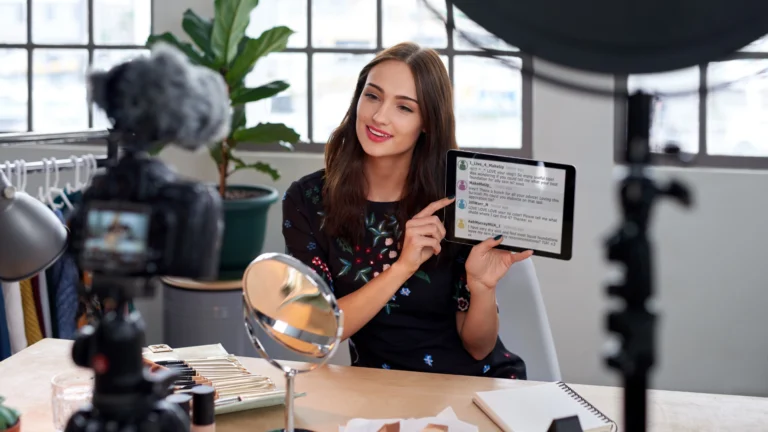
Live video lets you answer questions, launch products or run demos in real time. Viewers can comment and get replies as it happens, which builds a direct connection.
7. Event Videos
Event videos capture your team with staff, clients or the public at a trade show, open house or community event. They extend the reach of an event to people who could not attend.
How Do You Plan a Brand Video?
Most weak videos fail at the planning stage, not the filming stage. Work through these steps before you press record.
- Pick the audience. Know who the video is for, including their interests, behaviours and pain points.
- Set one goal. Choose brand awareness, sales or education, and decide how you will measure it: views, engagement, click-through rate or conversions.
- Write a script or storyboard. Outline the key points in a logical order. Use a conversational tone and cut jargon.
- Open with a hook. Name a problem or scenario in the first few seconds so viewers keep watching.
- End with a call to action. Tell viewers what to do next: book a call, shop the product or visit a page.
- Fit the length to the platform. Short vertical clips suit social feeds. Longer explainers suit YouTube and your website.
- Get feedback. Have someone outside the project review the script for clarity before you film.
What Equipment Do You Need to Start?
High-quality video is about a clear purpose first and equipment second. Most platforms use 16:9 (horizontal) or 9:16 (vertical) formats, and a modern smartphone handles both well.
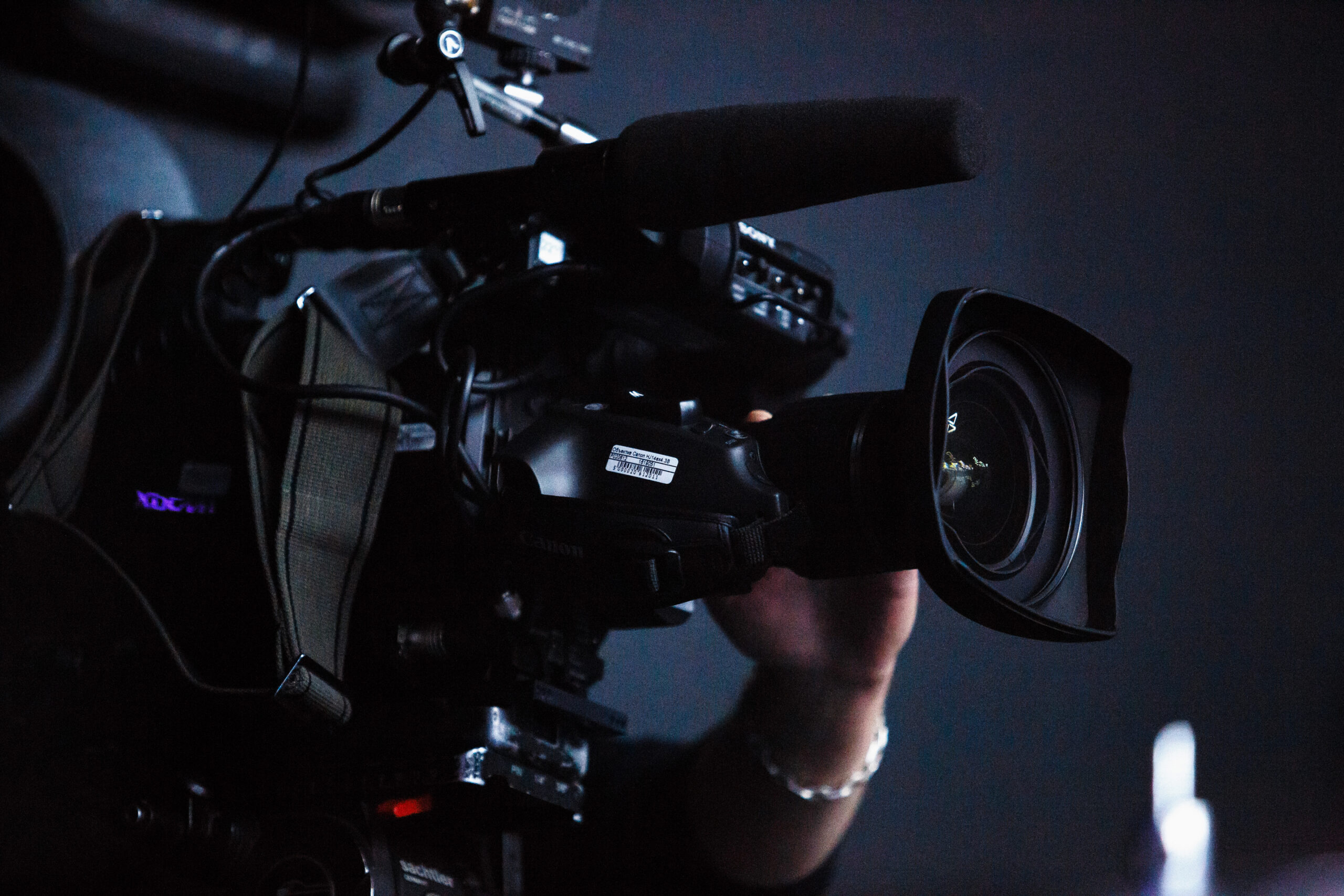
Know where the video will be published before you shoot. Audiences expect vertical video on TikTok and Instagram Reels, so frame for that. If you want more production value, add a better camera and audio gear such as lavalier microphones. Clear sound matters more than most people expect.
For editing, Apple’s iMovie is free and simple. DaVinci Resolve gives you more control over colour correction and sound mixing, with a steeper learning curve. Add closed captions for accessibility and to help search engines understand your video.
How Should You Use Brand Video on Your Website?
Your website is where video can turn interest into enquiries. Place each video where it answers the question a visitor has on that page.
- Homepage: a short brand story video that explains who you are.
- Service and product pages: demos and explainers next to the details they support.
- Contact and quote pages: a testimonial near the form to reduce hesitation.
- About page: behind-the-scenes clips that introduce your team.
Host longer videos on YouTube and embed them, so they do not slow your pages down. Add a short written summary or transcript under each video. It helps visitors who prefer to read and gives search engines text to index.
How Should You Use Brand Video on Social Media?
Plan one shoot to produce several cuts. A long explainer for YouTube can become three or four short vertical clips for Reels, TikTok and YouTube Shorts. Our social media management team can help you plan which cuts go where on your content calendar.
On YouTube, design a clear thumbnail, since it drives clicks. Some large channels test several thumbnails on the same video to see which works best. Write titles and descriptions with the words people search for. Hashtags still help, but platforms now rely more on their algorithms to decide who sees your video.
After publishing, check performance metrics and read the comments. Use what you learn to shape the next video, and make sure the comment thread stays on topic.
Does the Video Match Your Brand?
Before publishing, watch the finished video with your brand in mind. Check that the colours match your palette so people recognize the video as yours. Our post on colour in digital marketing explains why that consistency matters. Then check the tone. If the message feels vague or heavy-handed, re-edit or re-shoot while you still can.
Frequently Asked Questions
What is brand video content?
It is any video a business makes to show what it does, who is behind it and why customers should trust it. Examples include product demos, testimonials, explainers and brand story videos.
What type of video should a small business make first?
Start with a product or service demo and a customer testimonial. Both answer real buyer questions and are simple to film.
Can I make brand videos with a smartphone?
Yes. A modern smartphone shoots both vertical and horizontal video well. Add an external microphone for clearer sound.
Where should I post brand videos?
Post them where your audience already watches, and on the website pages where they answer a buyer’s question. Cut vertical versions for Reels, TikTok and Shorts.
Want a steady flow of brand video without the guesswork? Talk to MGG about social media management that puts your brand video to work across your channels.