
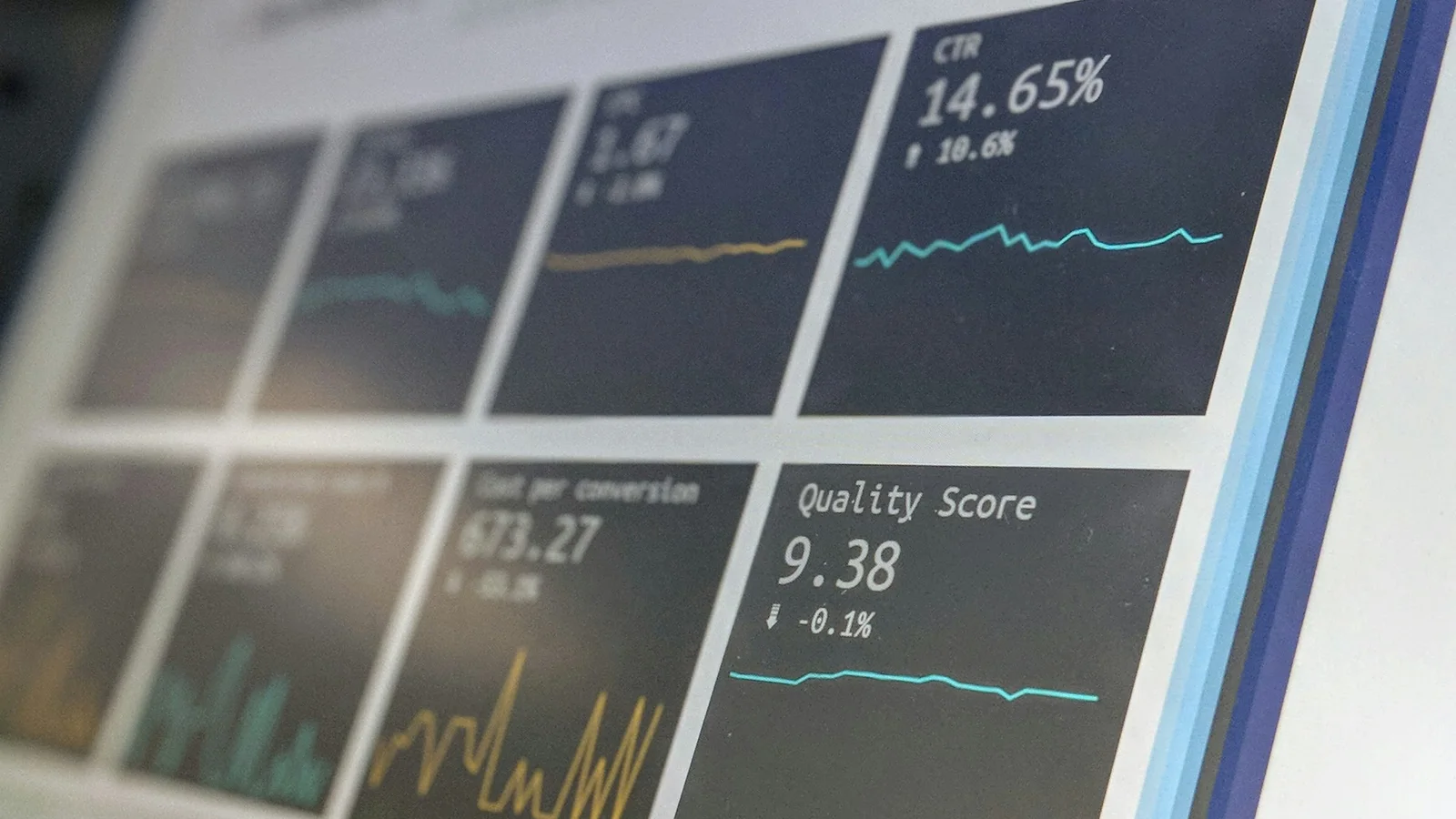
Digital ad management is the ongoing work of planning, running, measuring and improving paid ads. Think Google Ads and Meta (Facebook and Instagram). Launching a campaign is the easy part. Most of the results come from the monthly routine. That means checking tracking, cutting wasted spend, testing new ads and reporting on leads, not clicks.
Here’s what that routine looks like when it’s done properly. We also cover what to expect from an agency and the signs your ads are on autopilot.
What Digital Ad Management Includes
The work splits into a one-time setup and a monthly cycle. The setup decides whether the ads can ever work. The monthly cycle decides how well they work.
- Setup: campaign structure, keyword and audience research, ad copy and creative, landing pages, and conversion tracking for the actions that matter, such as form submissions, calls and purchases.
- Monthly cycle: tracking checks, search term reviews, budget and bidding adjustments, ad tests, landing page checks and a report tied to leads and sales.
The Monthly Ad Management Checklist
1. Confirm Conversion Tracking Still Works
Google Ads uses conversion tracking to show which ads, keywords and campaigns lead to valuable actions. Automated bidding relies on that data too. If tracking breaks, the reports go blank and the bidding loses its signal, often without any visible error.
This happens more often than people think. In October 2026, a routine tag update on our own site quietly removed our analytics and ad tracking. It stayed broken for 12 days before a check caught it. That’s why tracking is the first item on the list every month, not the last.
2. Review the Search Terms Report
The search terms report shows the actual searches that triggered your ads, which are often different from your keywords. Review it every month. Keep the searches that bring leads, and add the irrelevant ones as negative keywords so your ads stop showing for them.
3. Add Negative Keywords
Negative keywords stop your ads from appearing for unrelated searches. A home renovation company, for example, doesn’t want to pay for clicks on “renovation jobs” or “free renovation ideas”. A short, growing negative keyword list is one of the cheapest ways to stop wasted spend.
4. Check Budgets and Bidding
Look at how each campaign spends against its budget and what each lead costs. Move money from campaigns that spend without producing leads to the ones that do. If you use automated bidding, make sure it’s working towards the right conversion, not just clicks.
5. Test New Ads and Creative
Ads wear out, especially on Meta, where the same people see them again and again. Test new headlines, offers and images every month, keep the winners, and retire the rest. Small, regular tests beat a big redesign once a year.
6. Check the Landing Pages
Even a great ad fails if the landing page is slow, confusing or broken. Every month, open each landing page on a phone, check that it loads quickly, and submit a test of every form. A form that silently stops sending enquiries can cost more than any bad ad.
7. Report on Leads, Not Clicks
Clicks and impressions are easy to report and easy to grow. The questions that matter are how many enquiries the ads produced, what each one cost, and which ones became customers. That means connecting your ads to a CRM, so every lead can be traced back to the campaign that brought it in.
Who Should Own Your Ad Account?
You should. Your ad account holds your campaign history, conversion data and audiences, which are years of learning that you paid for. If an agency runs your ads from its own account and you part ways, that history usually stays with the agency.
We’ve seen what this costs. When D2 Build, a Toronto home builder, came to us, its previous agency had been running its Google Ads from the agency’s own account. We moved the campaigns into an account D2 Build owns and connected HubSpot to track every lead. One of those Google Ads leads became a $367,000 project. Read the D2 Build case study.
Warning Signs Your Ads Are on Autopilot
- You don’t have admin access to your own ad account.
- Reports show clicks and impressions, but not leads or cost per lead.
- Nobody can tell you which searches your ads appeared for last month.
- The same ads have been running unchanged for months.
- Nobody has tested your contact form recently.
FAQ
Should I advertise on Google Ads or Meta?
It depends on how your buyers look for you. Google Ads reaches people who are already searching for what you sell, so it suits services people actively look for. Meta reaches people based on interests and behaviour, so it suits building awareness and demand. Many businesses use both, with Google Ads catching demand and Meta creating it.
Can I manage my own ads?
Yes, if you can give them regular time. The checklist above takes a few hours a month for a small account. The risk is that busy owners skip months, and small problems like broken tracking or wasted search terms grow quietly in the meantime.
How soon will ads produce leads?
Ads can bring traffic on day one, but the first weeks are mostly about learning: which searches convert, which ads work and what a lead really costs. Expect results to improve month by month as the data builds up and the waste gets cut.
Want your ads managed with this checklist, in an account you own? See our advertising management services, or contact us.